Lists that contain many data records have a scrollbar on the right side of the list to facilitate the choice of a position within lists containing a high number of data records.
The following figure shows a list with a scroll bar.
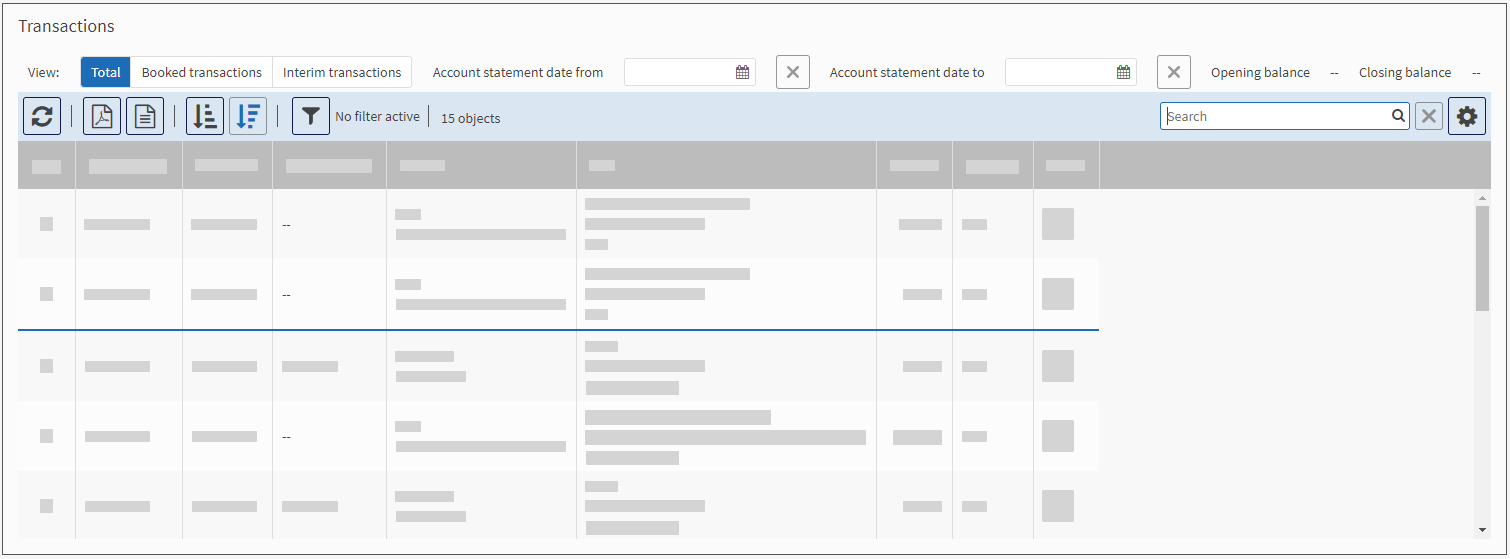
|
In extremely large lists, the application dynamically loads more data as soon as the scroll bar reaches the lower area of the list. In this case, the scroll bar automatically moves its position up. If the list contains over 2,000 list elements, the search and export functions of the list are deactivated for performance reasons. |
