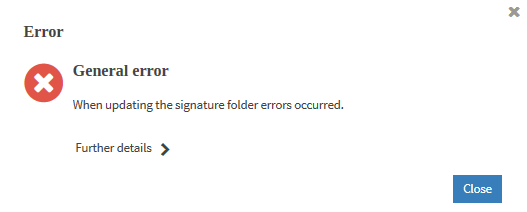
All messages, warnings and errors which may occur while working with the application are displayed in the status bar.
The status bar is a selection list. You open the selection list using the button  at the left margin of the status bar to display all messages of your current session.
The following figure illustrates an example of a status bar:

The messages in the status bar are highlighted in colour and have a symbol. The colours have the following meaning: