
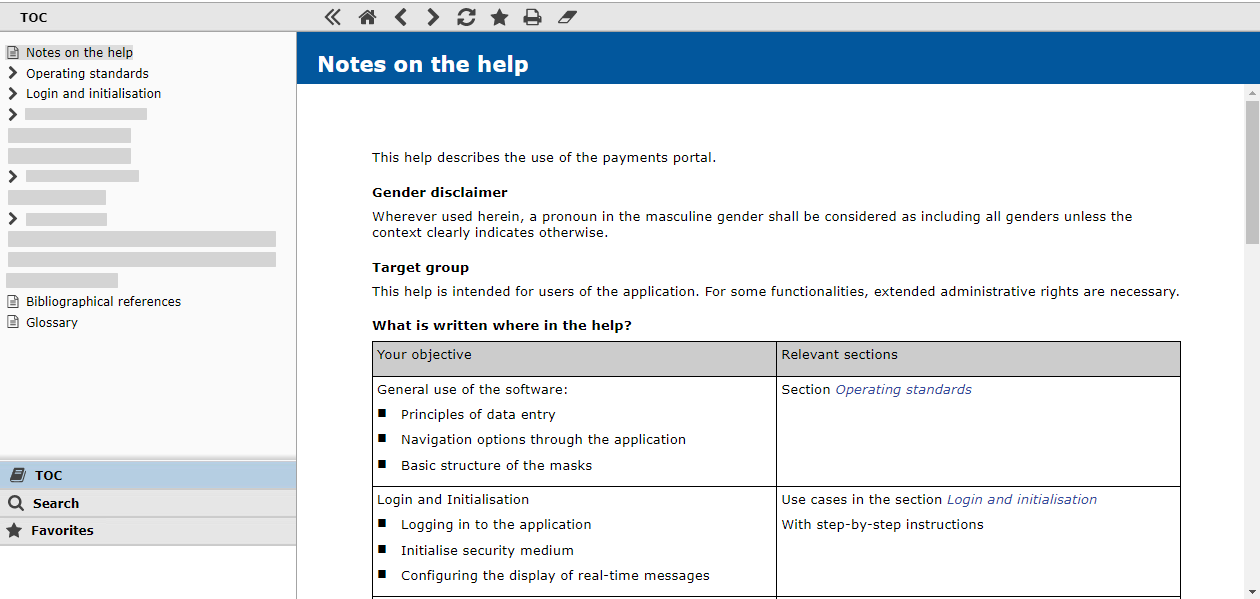
The following table describes the navigation options via the symbols in the left frame:



The following table describes the navigation options via the symbols in the main frame:
|
Symbol |
Meaning |

|
Collapses the left frame |

|
Displays the start page of the help |


|
Goes back and forth between the already visited help pages |

|
Updates the online help |

|
Adds the currently open help page to the list of bookmarks in the left frame |

|
Prints the currently open help page |

|
Deletes the coloured highlighting of the search terms found in the currently open help page |