Messages


The application knows the following message types:

Protocol error (EBICS protocol)

Protocol errors occur, for example, when your orders are checked by the financial institution.

The error messages are standardised and largely self-explanatory.

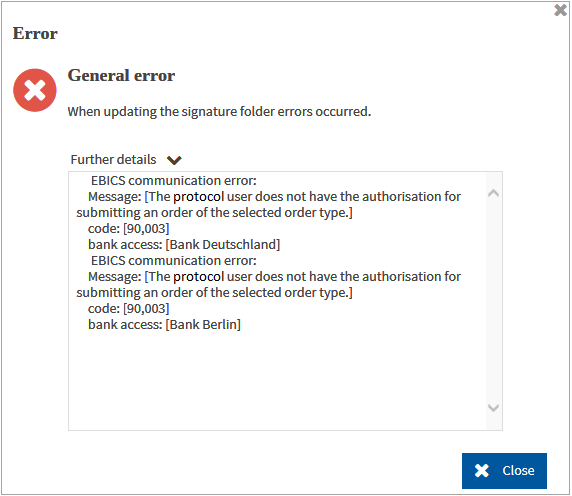
Example: You submit an order with a business transaction for which you do not have an authorisation.

The following error message is displayed:

Confirm the error message.

Errors which occur due to a concurrent access to the same order

If several users work on the same order (for example, on the same SEPA cancellation), it may happen that only one user can save his changes. The user who cannot save his data receives a corresponding message:

The data was changed by another user. Update your data.

Click on .

General errors

For errors which prevent a further processing, the application repeats the processing step first. If the error occurs again, the applications redirects you to the start page.

Notes

The application knows different kinds of notes.

Errors that occur during the validation of fields, field groups or mask areas

The erroneous field is framed. The note text informs you on which formal error has been detected in the field. As long as the formal error exists you will not be able to save your input in the mask.

Warnings that occur during cross-mask validation of fields

The field is framed. The note text informs you on which formal error could possibly occur. You can save your input.

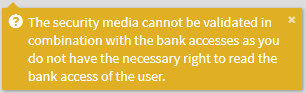
If an error or a warning occurs while you are working with the application, a message window is opened. You always have to confirm the message window before you can continue.

At the same time, the message is displayed in the status bar with the corresponding date and time.